

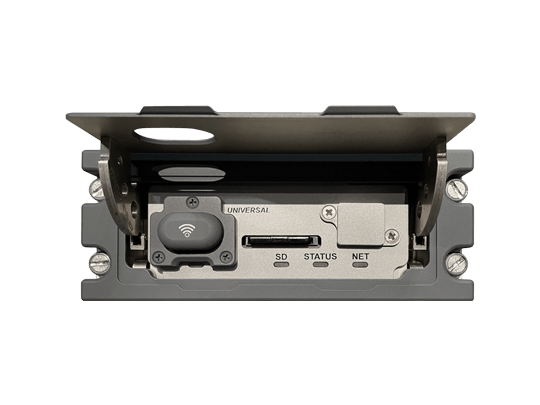
SSDTU+
Solid-State Data Transfer Unit
Secure tablets and avionics interactions using unique low-power Wi-Fi access controls. The Solid-State Data Transfer Unit Plus (SSDTU+) enables the Connected Avionics Solution, which streamlines workflows between the flight operations team and the aircraft.
Overview
Enabling the Connected Avionics Solution
UA’s Connected Avionics Solution streamlines and enhances interactions between the flight operations team (pilots, maintenance personnel, etc.) and the aircraft’s Avionics Ecosystem starting with the Universal WAAS FMS before, during, and post-flight.
By providing relevant analytics for each flight and simplifying routine activities, including database updates, operators can optimize flight operations and improve aircraft availability.
The Solid-State Data Transfer Unit Plus (SSDTU+) enables the Connected Avionics Solution.
Secure tablets and avionics interactions using unique low-power Wi-Fi access controls. The SSDTU+ implements a comprehensive set of cybersecurity features designed to support a wide range of interactions between avionics and UA FlightPartner Apps.
The SSDTU+ is a direct upgrade to Universal SSDTUs currently in service, maintaining all related functions including centralized uploading/downloading functions with up to eight Universal Avionics Line Replaceable Units (LRU).
SSDTU+ Key Features:
-
Secure, low-power cockpit Wi-Fi access point enables UA FlightPartner Apps Tablet interactions in all phases of flight.
-
Enable two-way exchanges of Flight Plan related data with Universal WAAS FMS (UNS-1w).
-
Real-time Aircraft Data Streaming support for moving map apps including aircraft position, flight path, current waypoint and fuel data
-
Seamless database delivery when used in conjunction with the UA FlightPartner and FlightReview Apps.
-
SD card support for manual download and upload maintaining SSDTU functions.
Specifications
Hardware
- Bezel Size: 2.25 in. H x 5.75 in. W
- Depth: 7.76 in. (back of bezel to rear of connector)
- Weight: 2.4 lbs.
- Mounting: Dzus
- Faceplate Color: Gray or Black
- Hard-wired to NCU
Data
- Format: Digital
- Input: SD Card or USB Flash Memory
- Bi-directional data transfer via 10/100 Mb Ethernet
Power
- 27.5 VDC nominal
- 28 Watts nominal
FAA TSO/ETSO
- TSO C109
- ETSO C109
Compatible Integrations
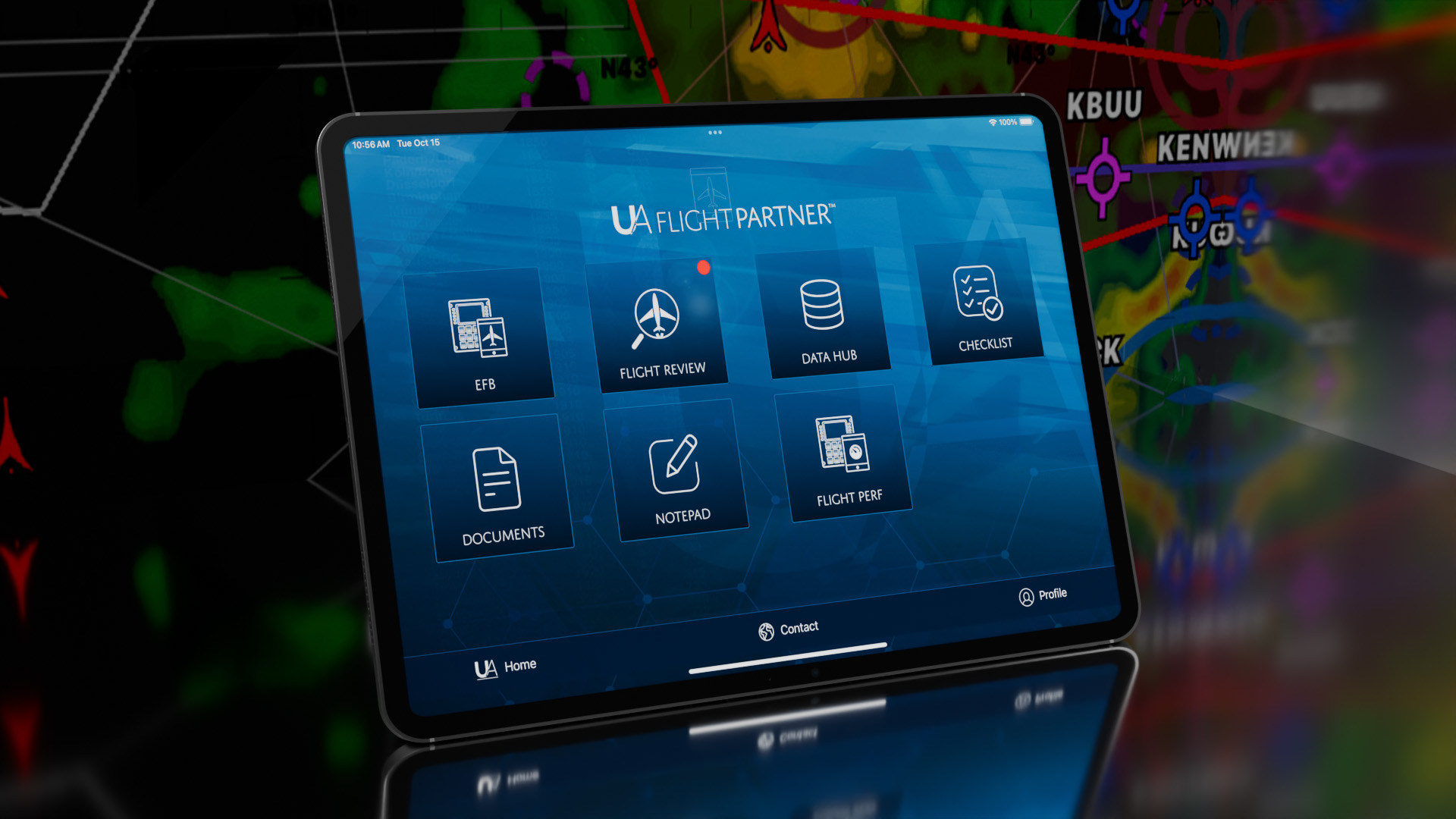
UA FlightPartner™
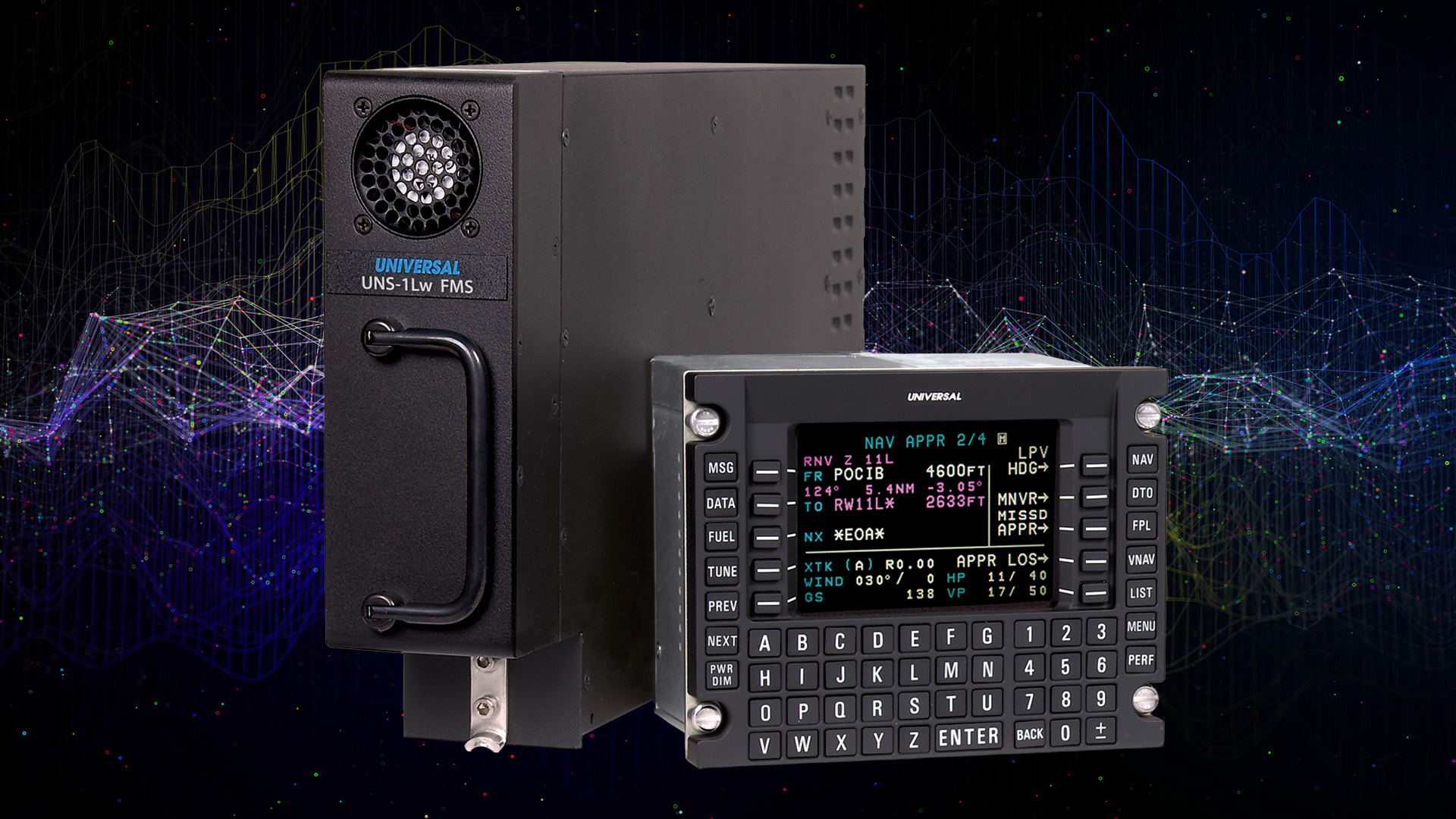
UNS-1Lw Universal FMS
Flight Management System with Satellite-Based Augmentation (SBAS) that integrates with next-gen upgrades for Data Comm and LPV.
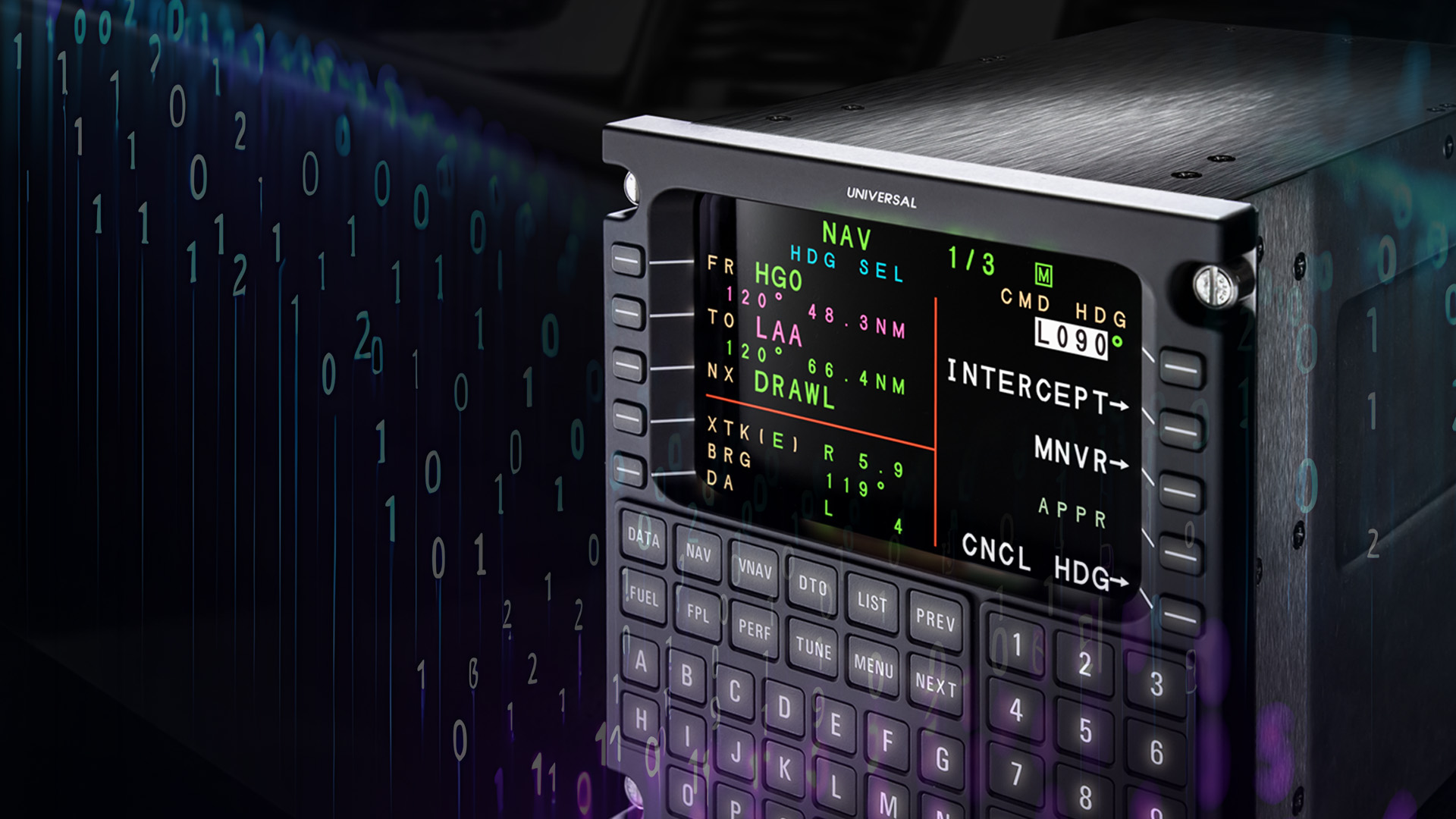
UNS-1Ew/UNS-1Espw Universal FMS
Flight Management System with Satellite-Based Augmentation (SBAS) that integrates with next-gen upgrades for Data Comm and LPV.
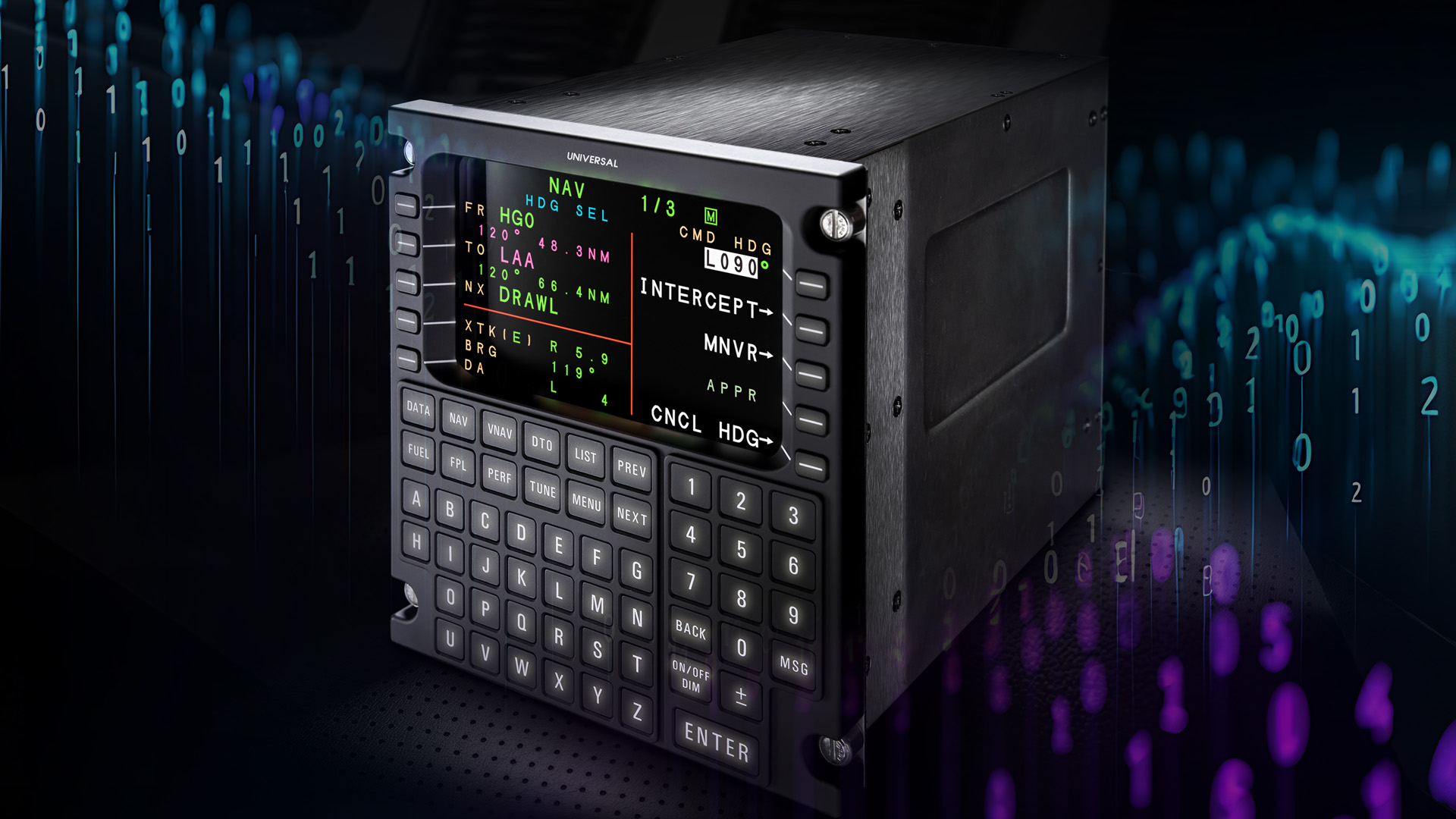
UNS-1Fw Universal FMS
Flight Management System with Satellite-Based Augmentation (SBAS) that integrates with next-gen upgrades for Data Comm and LPV.